

Serious cost savings entail notable decreases in expenses that can result in significant benefits.

Smart automations offer intelligent solutions to streamline efficiency and elevate performance.
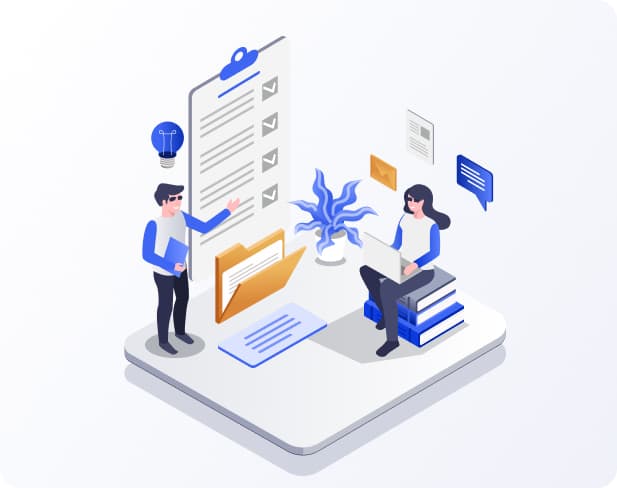

Zoho is one of the most widely adopted CRM systems in the industry. Both, OMUCC and Zoho are in itself a vast system with a wider range of features. Generally, agents need to switch back and forth for operational purposes between these two solutions. We, Om Infosystem, offer OMUCC and Zoho integration service. It means you can integrate Zoho CRM system and OMUCC Call center solution with each other in a way that it can work in a harmony.
Om Infosystem, offer OMUCC and Zoho integration service. It means you can integrate Zoho CRM system and OMUCC Call center solution with each other in a way that it can work in a harmony.


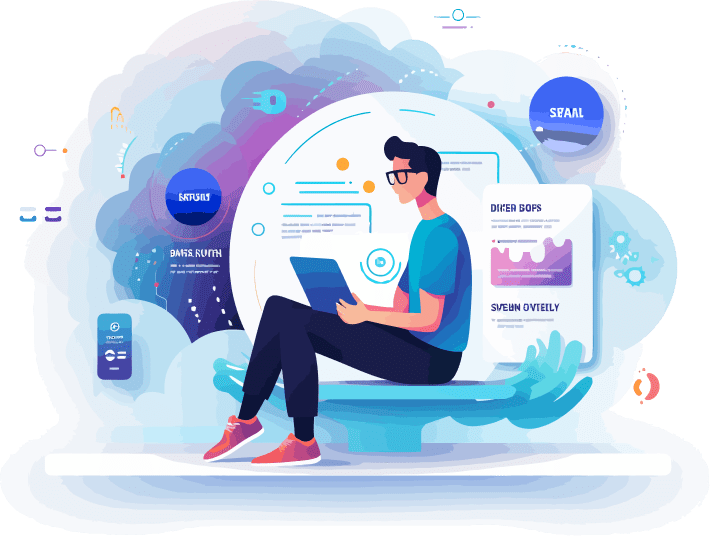


Once both systems are integrated, agents can utilize key features of both solutions within a single window. The agent doesn’t need to go back and forth between these two systems.


As part of our integration service, we enable click2call functionality in Zoho CRM. The agents may now click on the lead and the call will be generated using the integrated OMUCC call center from Zoho itself.

An agent can fill in the disposition once the call is wrapped up from Zoho itself. This disposition will be pushed into the records of OMUCC and update the relevant record in both systems.

If the received call is a new lead, a blank popup window will be opened in the OMUCC screen. Add the collected data and push it to the Zoho to create a new record without leaving the OMUCC window.

The integrated Zoho and OMUCCsolution will perform an automated check at time of new record insertion which will be done at campaign level to ensure each added record is unique. Also, it makes sure that it doesn’t restrict a same lead to be added in different campaigns.

An agent can update the records of Zoho CRM without leaving the OMUCC window. Simply update the records in the popup window in OMUCC for the lead, on pushing back the updates; the record will be updated in the Zoho automatically.


